Repair advice
Samsung
Help for Samsung Galaxy owners: display lines, moisture warnings, charging, swollen batteries and foldable screens. 6 guides.
Samsung guides

“Moisture detected” on a Samsung phone: what it means
The water-drop warning stops a Galaxy phone charging through its USB-C port. Sometimes it is real moisture, sometimes lint or corrosion. Here is how to clear it safely.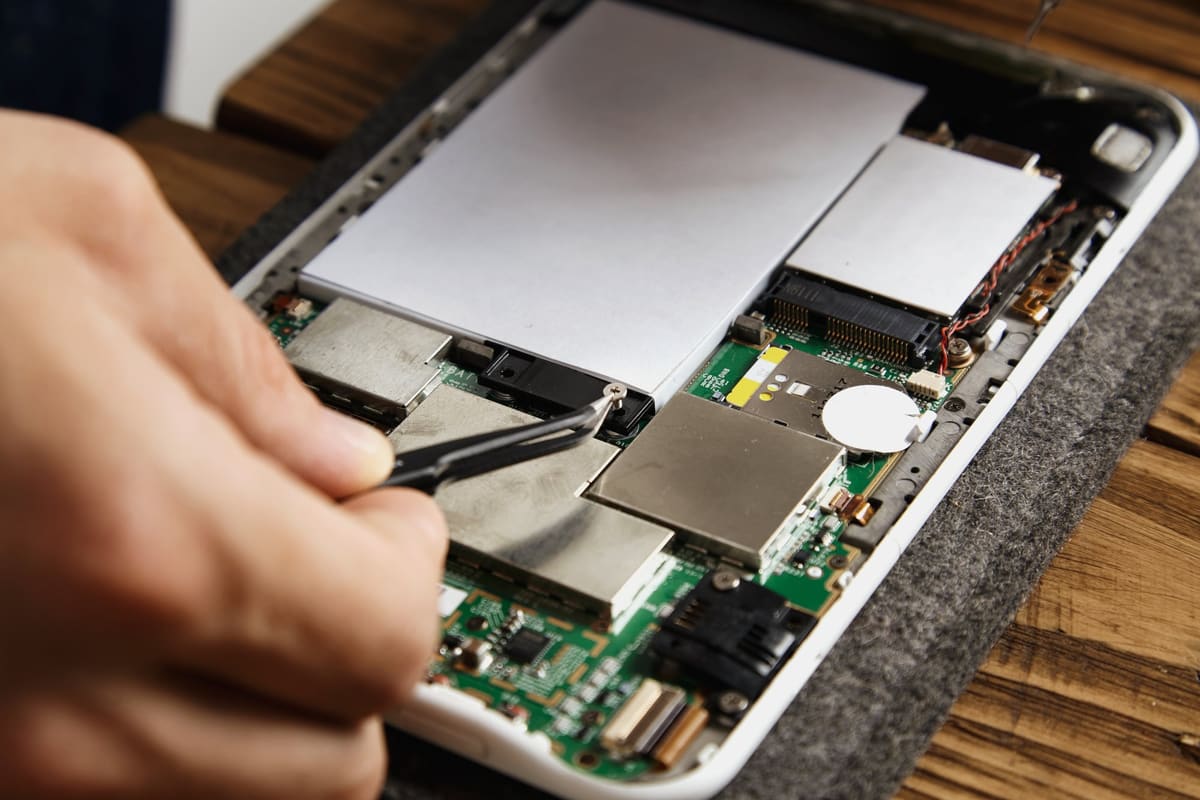
Swollen phone battery: warning signs and what to do
A lifting screen or bulging back cover can mean the battery inside is swelling. This is a safety issue, and it is worth acting on straight away.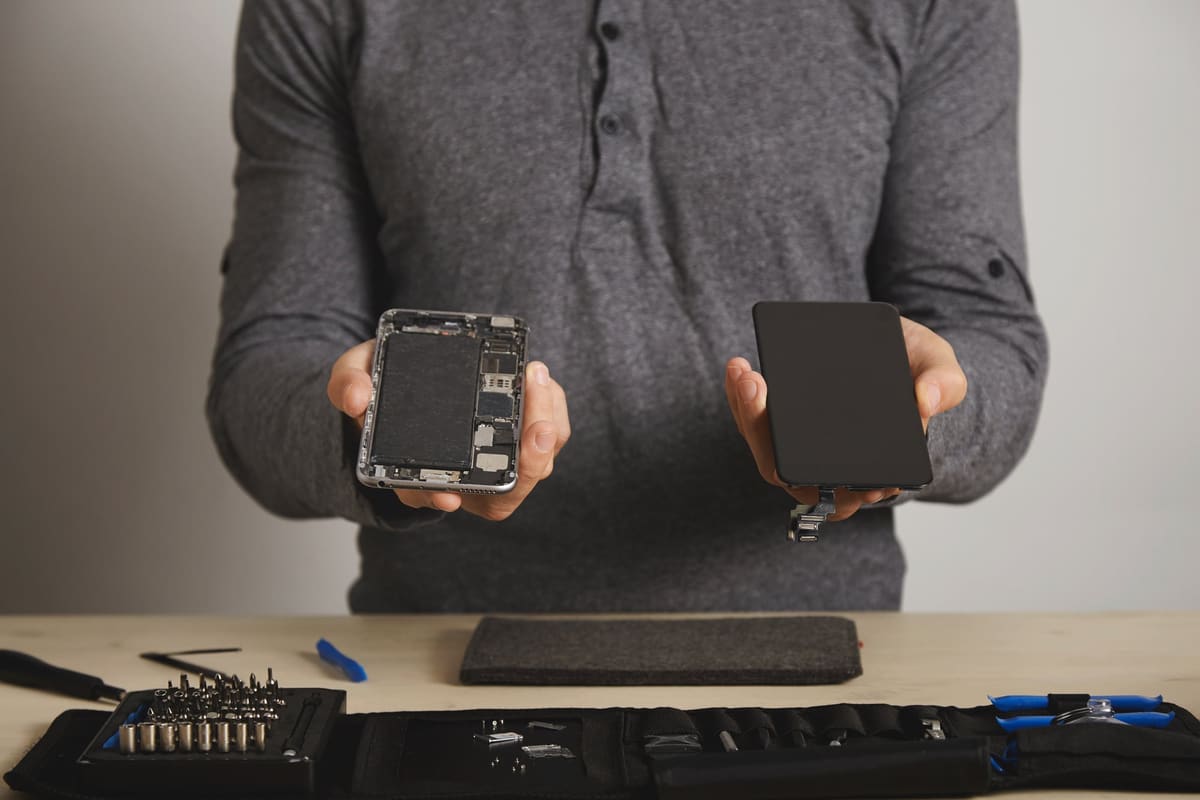
Galaxy Z Fold and Flip screen problems explained
Foldable screens have quirks that normal phones do not. Here is what is normal, what is not, and why you should never peel the factory protector off the inner screen.
Why has my Samsung stopped fast charging?
If your Galaxy charges slowly and the fast charging message has gone, the cause is often the charger, the cable or a setting, not the phone. Check these first.
Samsung phone on but the screen is black
If your Galaxy vibrates, rings or plays sound but the screen stays black, the display has probably failed. Here is how to confirm it and protect your data.

Bring it in today
Four walk-in repair centres, open seven days. Free diagnostic before any work starts.
Call 01708 922786