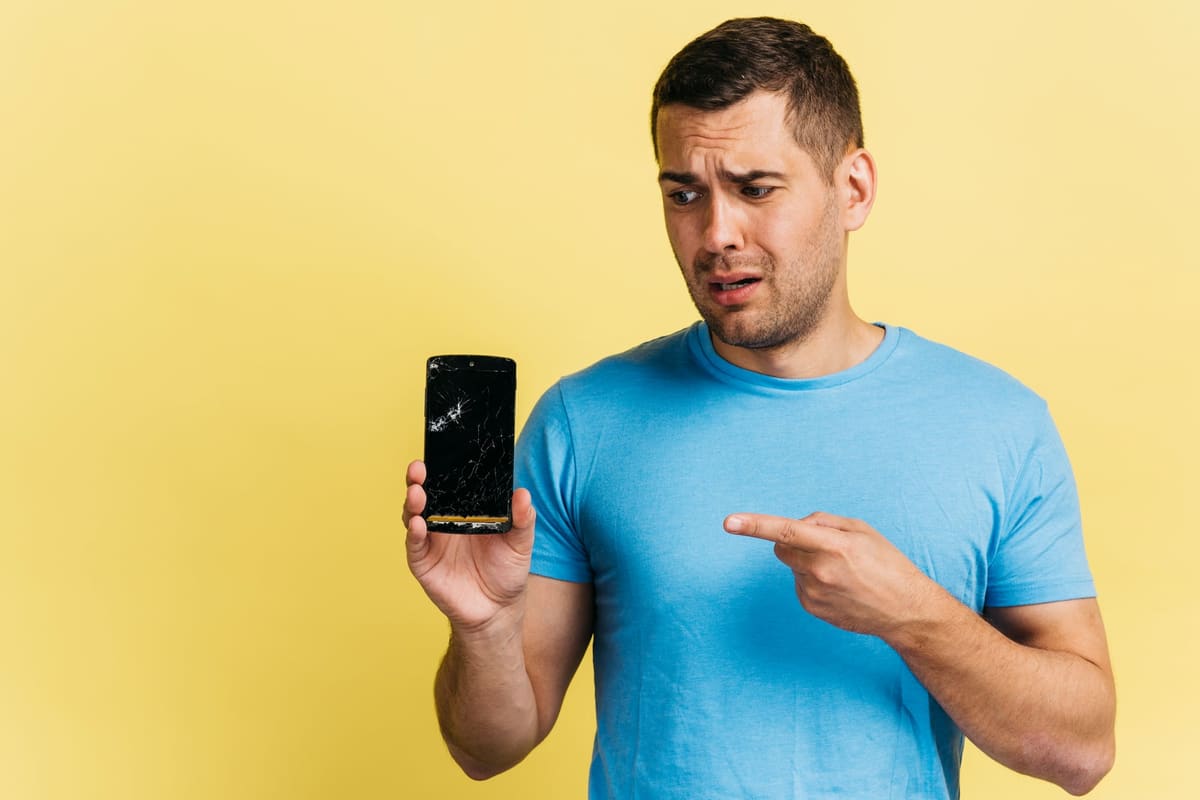
A phone that seems alive but shows nothing is unsettling. The notifications still buzz, calls still ring, but the screen is completely black. In most cases the phone itself is fine and the display is the part that has failed.
Try a force restart
On most recent Galaxy phones, press and hold the side button and volume down together for several seconds until the phone restarts. If the Samsung logo appears, the display works and a software fault was the likely cause.
Signs of a display failure
- The phone vibrates or makes sounds, but nothing ever appears
- A torch shone at the screen reveals a faint image
- There was a recent drop, pressure or liquid contact
- Green or white lines appeared before the screen went black
Protecting your data
If the phone was backing up to your Samsung or Google account, your data may already be safe. If not, do not factory reset it. A replacement display lets you access everything again, and we can advise on data before any work begins.
The repair
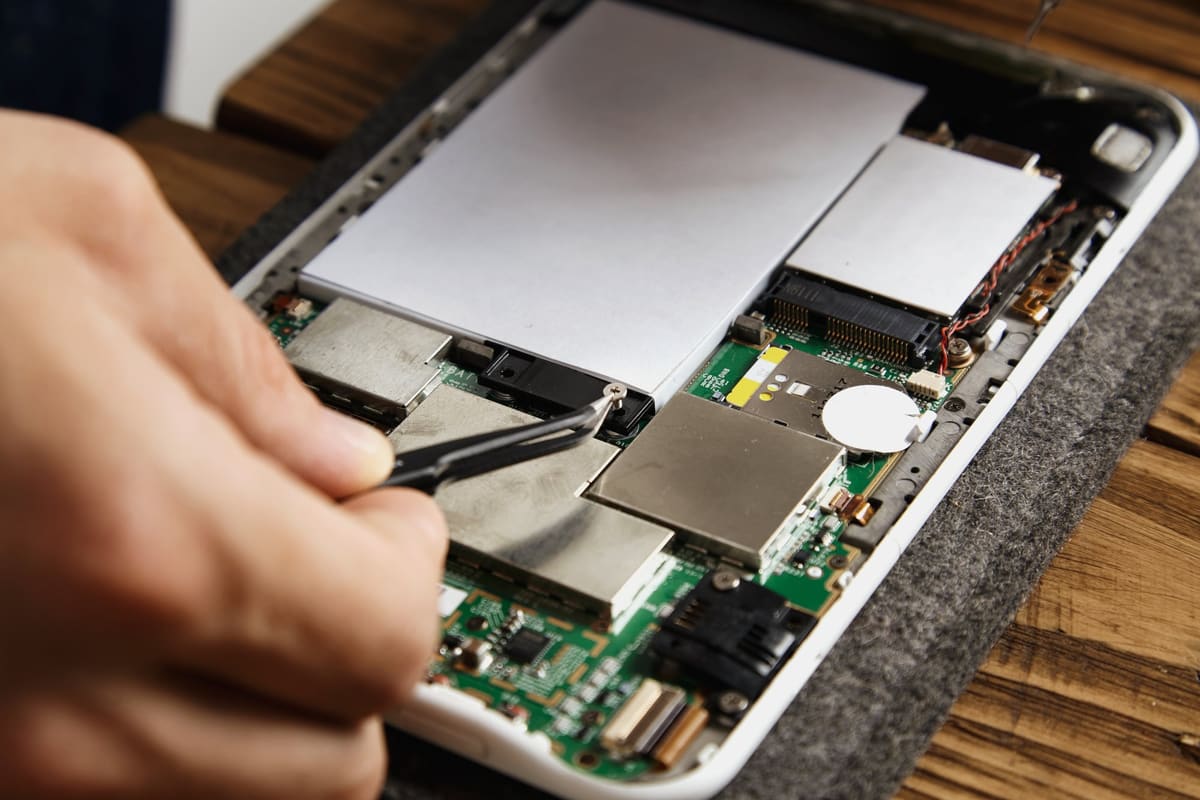
A display replacement is the usual fix. We test the new screen, touch and sensors before you collect the phone.
← Back to all repair advice