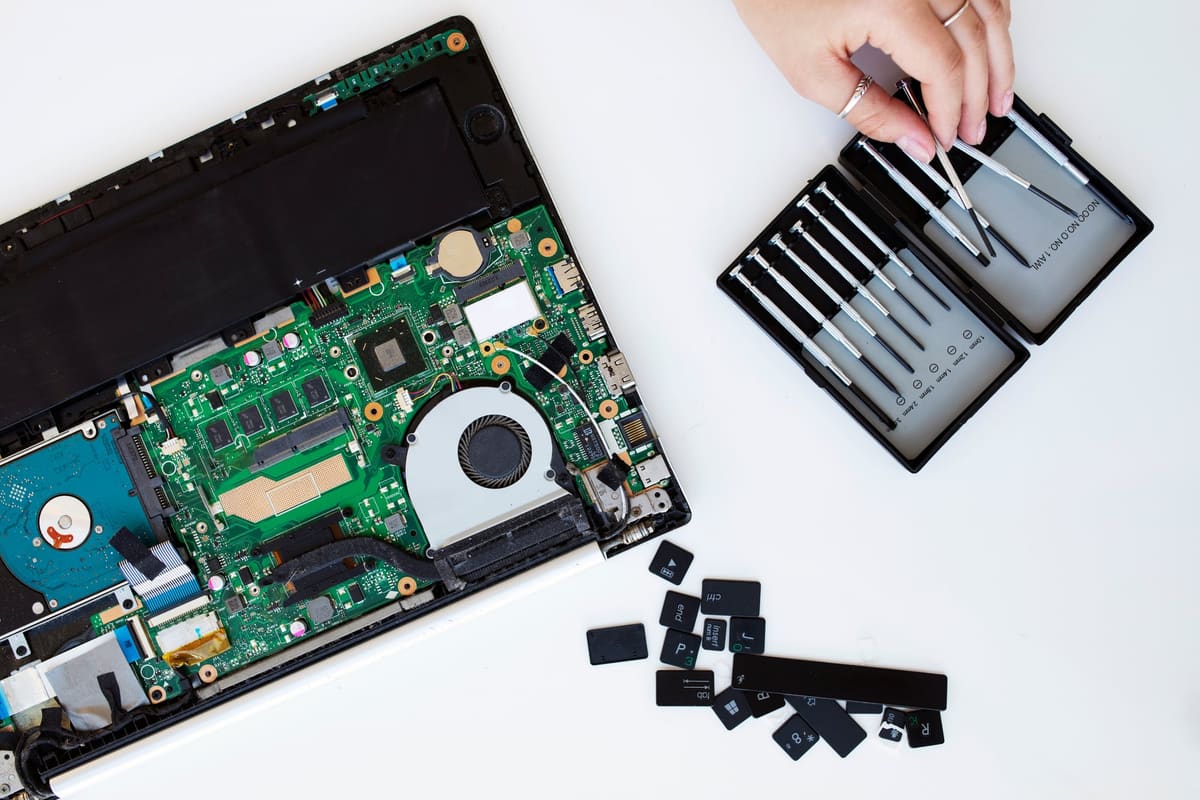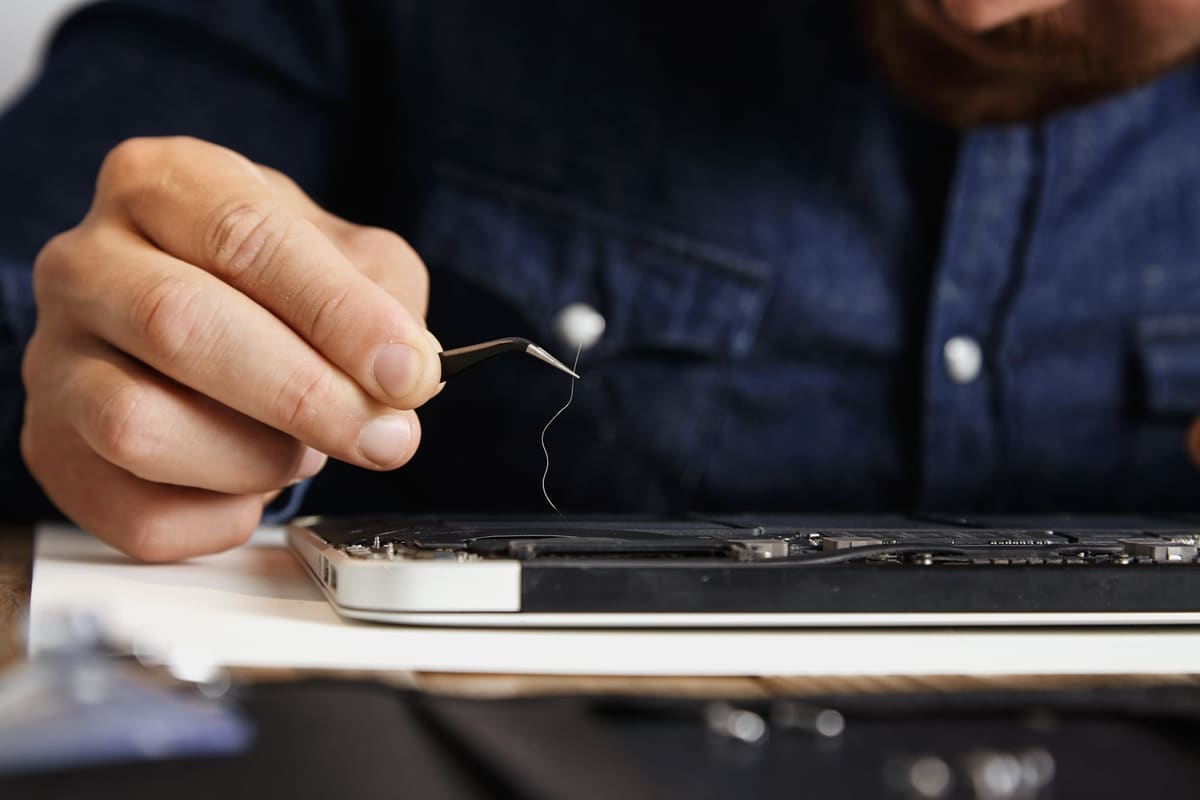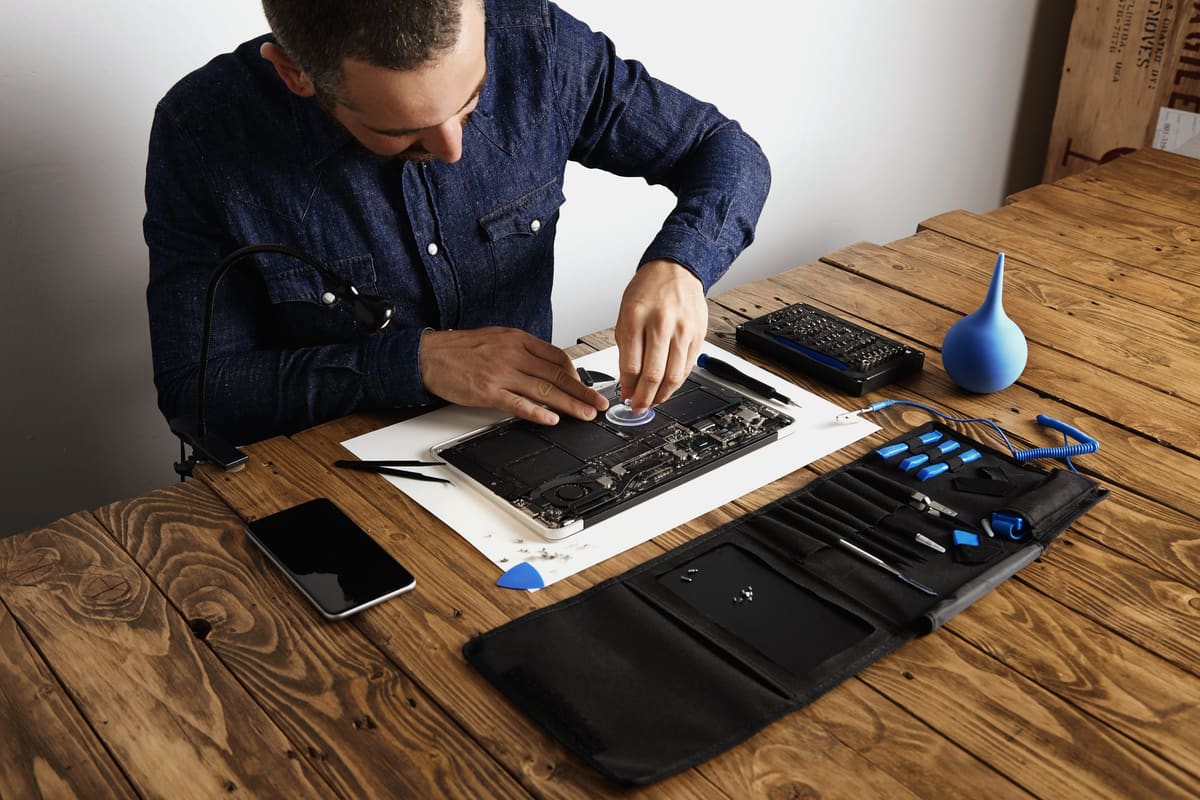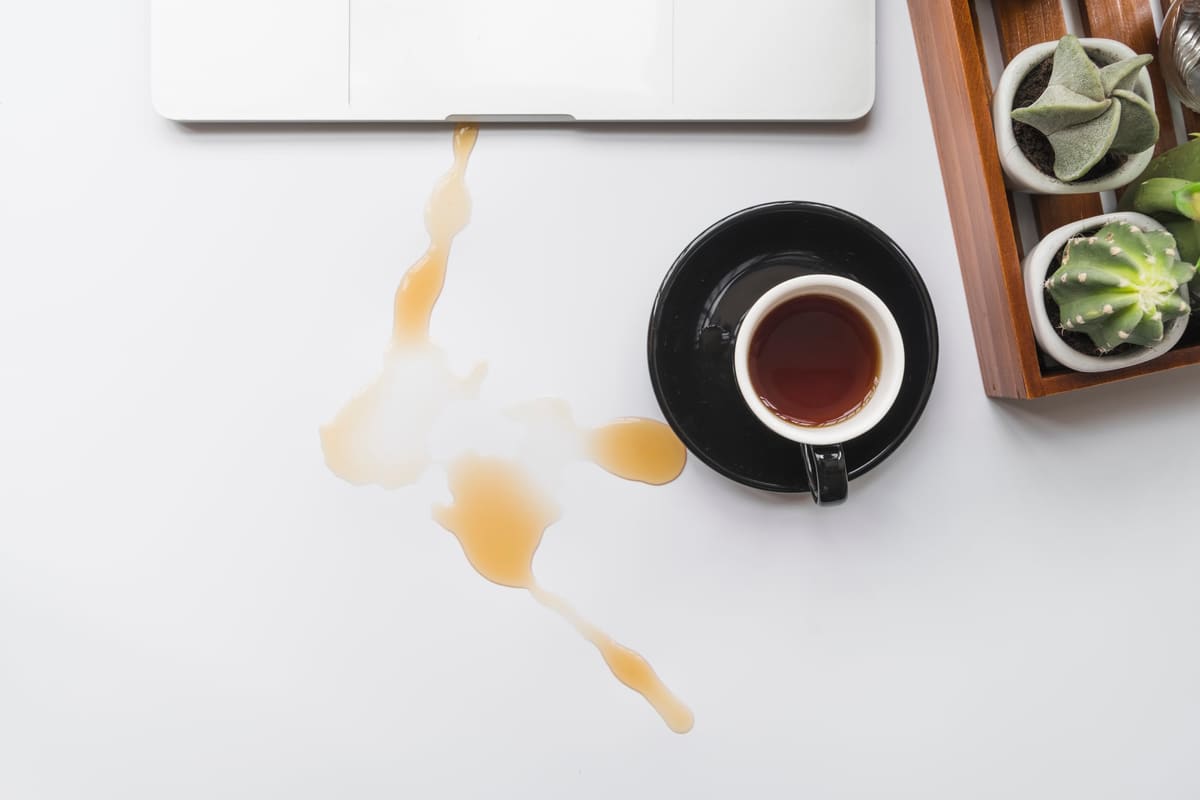
Liquid and electronics do not mix, but a laptop that gets a quick, correct response after a spill often survives. The danger comes from power running through wet components and from residue left behind as the liquid dries.
Do this straight away
- Unplug the charger
- Hold the power button until the laptop switches off
- Disconnect USB devices and accessories
- Turn the laptop upside down in a tent shape so liquid drains away from the board
- Wipe away what you can with a dry cloth
Do not
- Switch it back on to see if it works
- Charge it
- Use a hairdryer, which can push liquid further in and warp parts
- Put it in rice
Why drinks are worse than water
Tea with sugar, coffee, juice, fizzy drinks and alcohol leave sticky residue and acids that corrode connectors and components over time. Even if the laptop seems fine once dry, that residue can cause faults days or weeks later.
Get it looked at
A professional clean removes residue from the board before corrosion takes hold. The sooner we see it, the better the chances. Bring the charger too, and tell us what was spilled and roughly when.
← Back to all repair advice