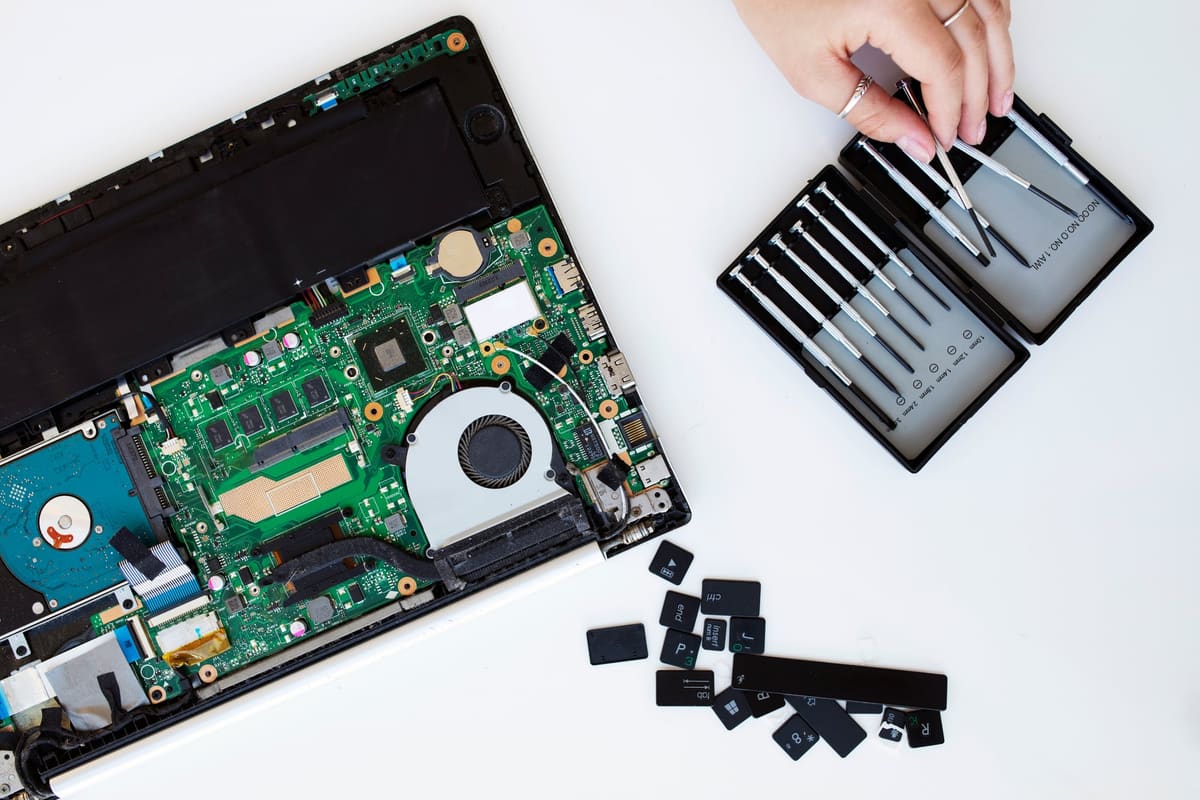
Laptop fans speed up when the processor and graphics chip get hot. Some noise during heavy work is normal. A fan that roars during light tasks, or a laptop too hot to rest on your lap, is a sign the cooling is not working as it should.
Common causes
- Dust and hair clogging the fan and heatsink fins
- Vents blocked by a bed, sofa or cushion
- Dried-out thermal paste between the chip and heatsink
- Background software or updates using the processor
- A fan bearing that is wearing out, often heard as grinding or rattling
What you can do
- Use the laptop on a hard, flat surface
- Check which apps are using the processor and close what you do not need
- Keep the operating system and drivers updated
- Avoid using the laptop in hot rooms or direct sunlight
Why it is worth fixing
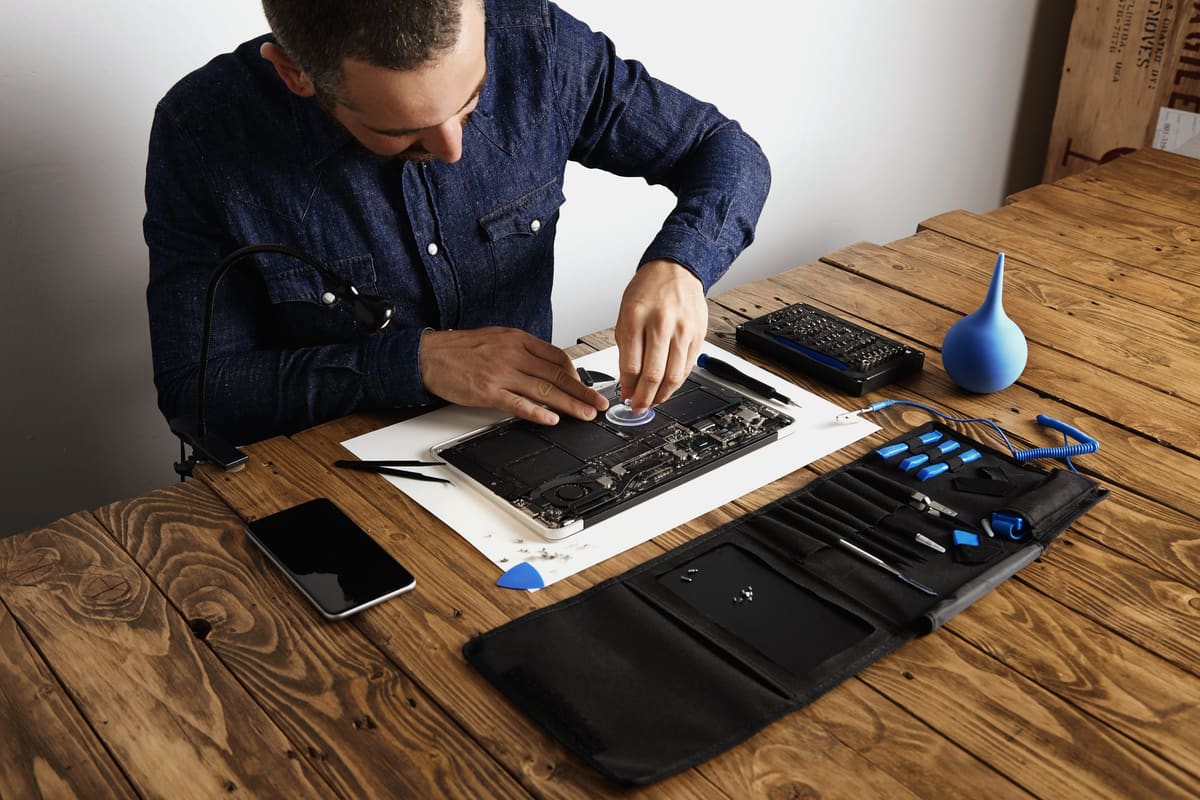
When a laptop overheats, it slows itself down to protect its components, which makes it feel sluggish. Over time, sustained heat can stress the battery and board. A professional internal clean and thermal paste replacement often makes a laptop cooler, quieter and faster.
← Back to all repair advice