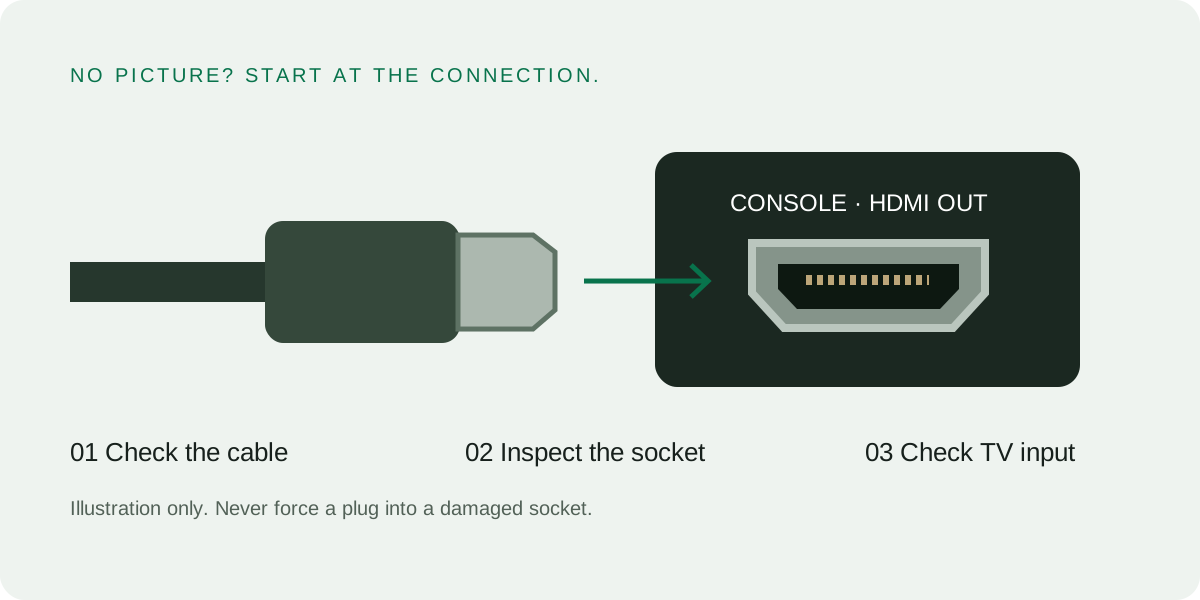
No picture does not prove the PS5 HDMI port is broken. Check the display input, cable and connection before booking a hardware repair.
Rule out the connection
- Confirm the TV or monitor is on the HDMI input you connected.
- Check the cable is firmly connected at both ends without forcing it.
- Try another compatible cable or display input.
- Connect directly to the display to rule out an intermediary device.
When the port needs assessment
A visibly damaged or loose socket, especially after a pull or fall, needs professional inspection. Do not force the plug or attempt to bend contacts back. Other internal faults can also cause no picture.
Find the right repair price
Choose your exact console model in Prices, then HDMI port repair. A PS5, PS5 Slim and another console must not be quoted from the same unrelated minimum. Any unlisted work is priced after diagnosis.