Most smartphones have several microphones: one for calls, one for video and speakerphone, and others that cancel background noise. A fault in any of them can make you sound quiet or muffled to the person on the other end.
Test each microphone
- Record a voice memo and play it back
- Record a video with the front camera, then the rear camera
- Make a test call on speakerphone and handset
- Compare the recordings to find which microphone sounds wrong
Simple causes
- A case or screen protector covering a microphone hole
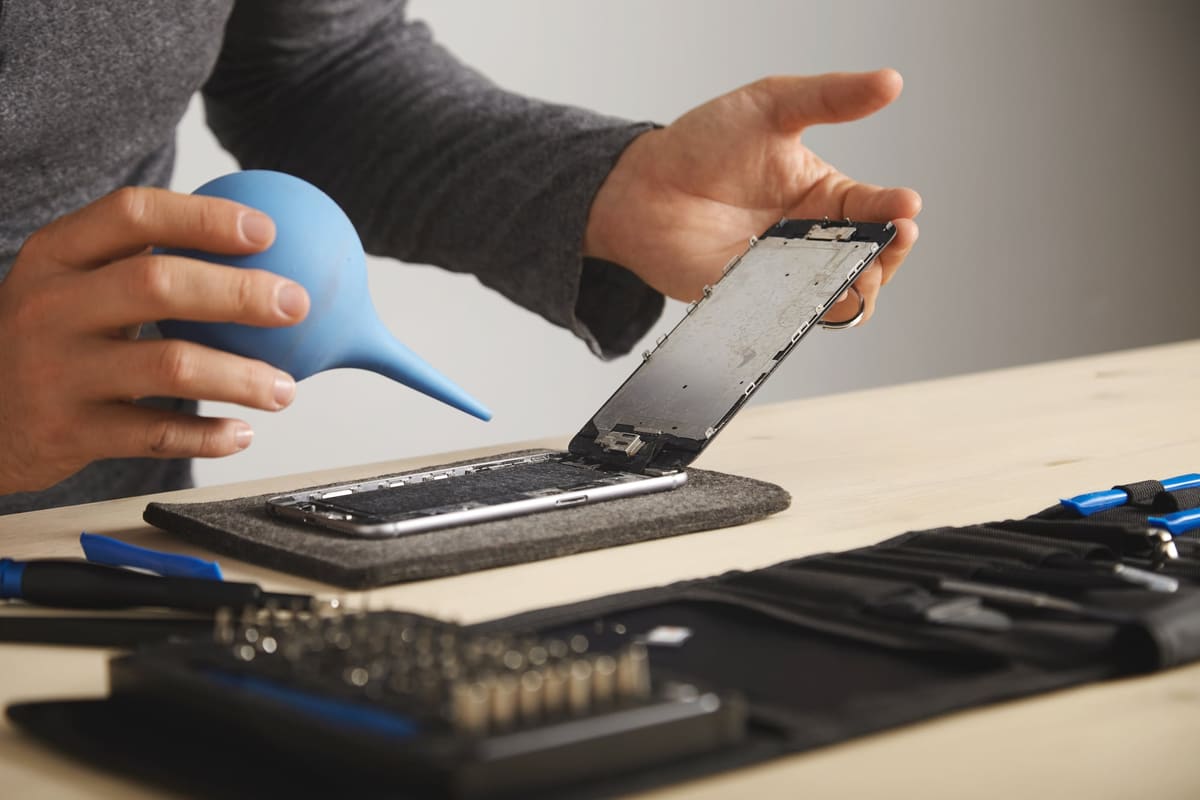
- Lint or dust in the tiny openings near the charging port
- A Bluetooth headset or car system still connected
- A calling app with its microphone permission switched off
When it is a hardware fault
If recordings are silent or distorted with nothing blocking the openings, the microphone may have failed. On some phones the main microphone sits on the charging port assembly, so a charging port replacement fixes both. We test all microphones during diagnosis so you only pay for the part that has failed.
← Back to all repair advice